
Hello dear reader,
Ready for another twist in our Capstone saga? If you’ve been keeping up, you know the quest to control the DJI Mini 3 drone with a GE76 Raider computer has been nothing short of an epic cluster of multiple puzzles.
Previously, we encountered a minor hiccup (okay, two major fails) with our streaming solutions. My initial wired setup failed spectacularly. Plan B, involving the DJI GO 4 app and a convoluted WiFi connection, crashed harder than my hopes for seamless streaming. Who knew the DJI Mini 3 wasn’t compatible with DJI GO 4? Certainly not me, until it was too late.
But fear not, when Plan B went down in flames, Plan C emerged, spotlighting the DJI RC N1 controller as our new hero. Surely, this would be the key to our streaming success! Spoiler alert: Plan C also tanked. And so, we pivot once more, leaving our drone streaming ambitions on the back burner for now.
Enter the World of Linux
With the drone streaming temporarily shelved, we turn our focus to creating a controlled environment for our DroneRANGER. My mission: transforming my trusty MSI Raider GE76 into a dual-boot system and converting my brand new MSI Raider GE78 HX 13V into a full-blown Linux machine. Initially, Ubuntu was our OS of choice. However, after some deep dives into the world of machine learning, Pop!_OS stole the spotlight. Here’s why:

1. Nvidia Driver Integration: Pop!_OS comes with Nvidia drivers pre-installed, saving us from the hassle of manual setup and ensuring better performance for machine learning tasks.

2. System76 Optimizations: Pop!_OS is developed by System76, known for optimizing their OS for performance and compatibility with a wide range of hardware.

3. Streamlined Interface and Pop! Shop: The user-friendly Pop! Shop makes finding and installing applications a breeze, perfect for setting up our AI development environment.
Intrigued? I’ll drop the link below and walk you through how I installed Pop!_OS. Spoiler: It’s easier than you think.
Step-by-Step Installation Guide for Pop!_OS:

1. Download Pop!_OS: Grab the latest version from the official Pop!_OS website. (Click the button above)

2. Create Bootable USB: Load the download onto a 128GB memory stick—my new best friend, Rufus.

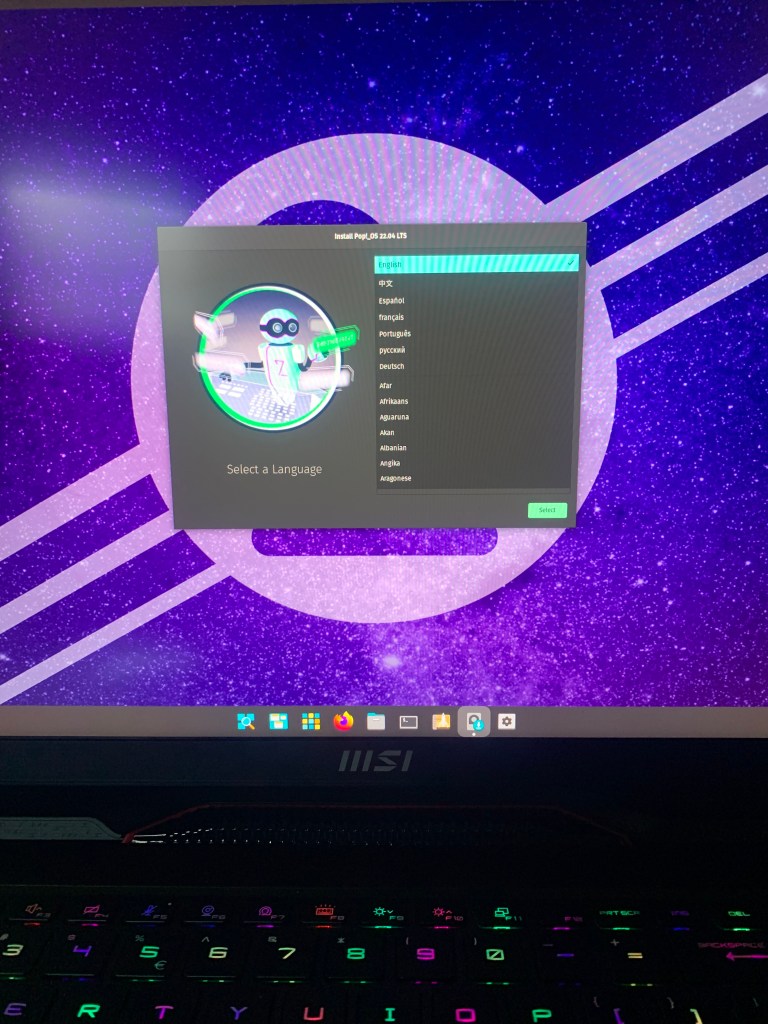
3. Boot from USB: Plug Rufus into the new computer’s USB port, turn it on, and press F11 during boot to select the USB drive.

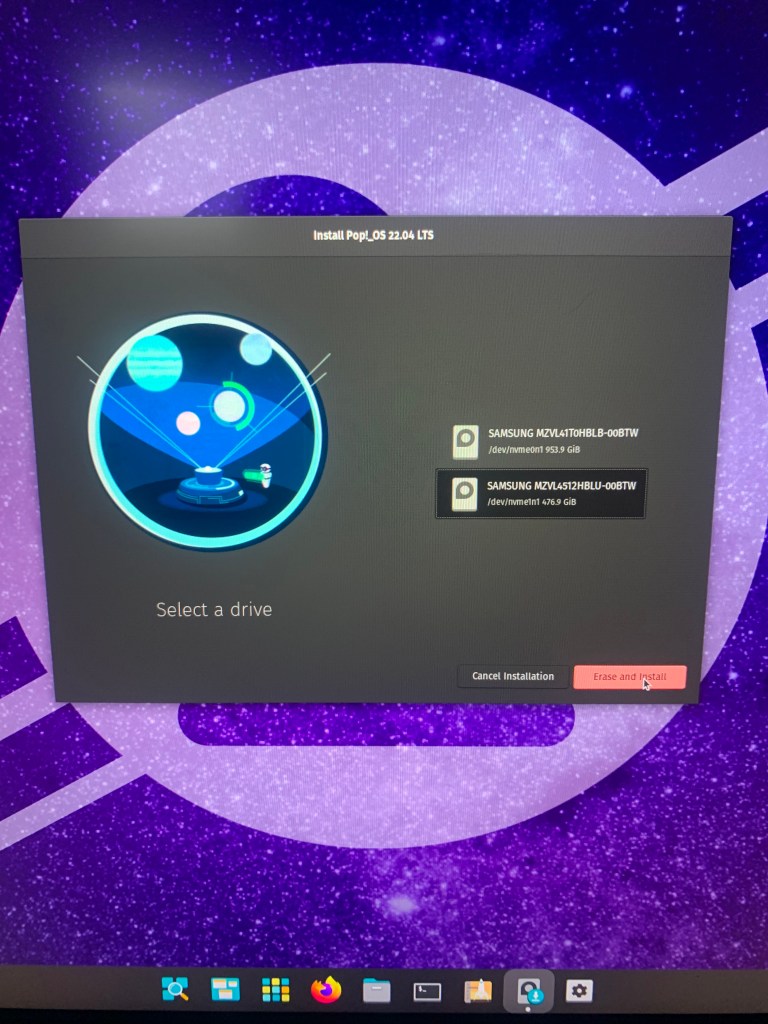
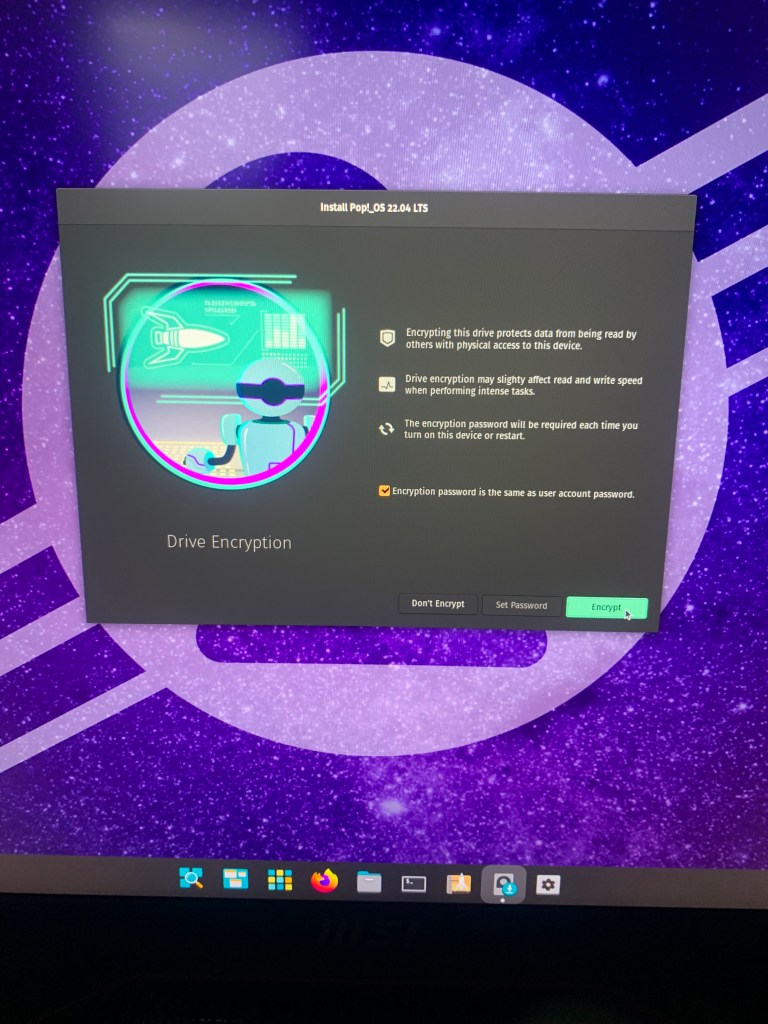
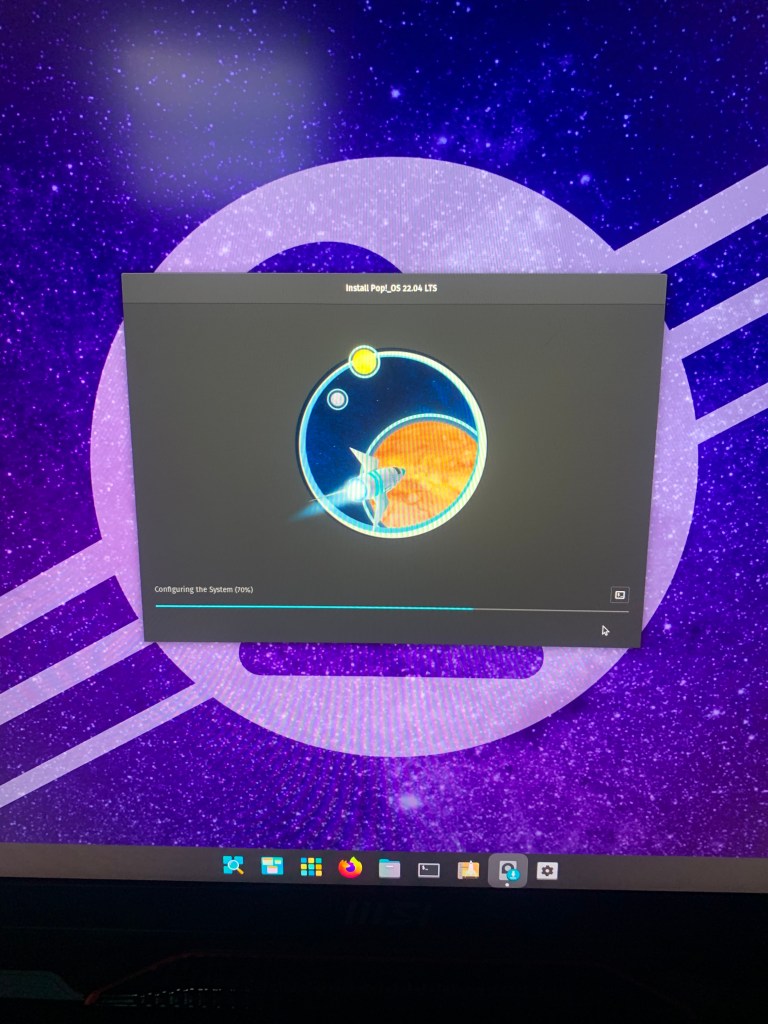
4. Follow Prompts: Follow the installation prompts tailored to your needs. Choose the drive with more memory for a clean install.
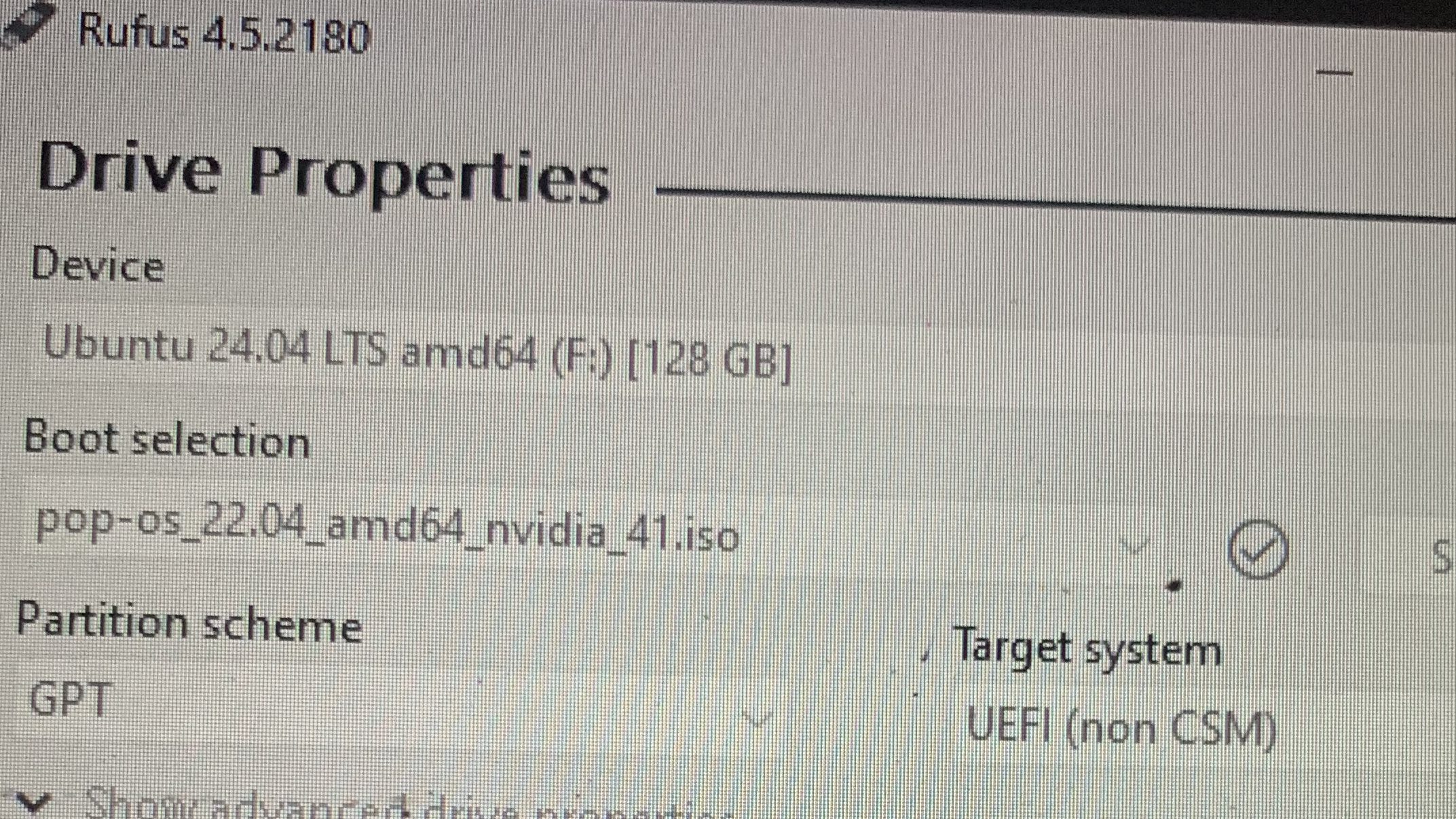
Fig.A. The window to Boost the drive.
Pro tip: During my first attempt, I mistakenly chose my D drive, thinking it had more memory data available. This error led to my system booting into Windows instead of Linux. Lesson learned: Commit your largest chosen drive to the Linux gods for a seamless experience.

Post-Installation Goodies
Once Pop!_OS was up and running, downloading essential tools like Zoom, Discord, and Chrome was a breeze through the Pop! Shop. The Pop! Shop has a plethora of applications, neatly categorized to suit every need—from flight simulators to office apps.
The Docker Dilemma
To ensure a robust and isolated environment for our DroneRANGER Capstone project, I needed to install Docker. Docker is the perfect application environment for several reasons:

1. Isolation: Docker creates a completely safe and isolated environment, similar to a virtual machine but far more efficient. Once you have the Docker image correct, it provides a highly dependable environment.

2. Consistency: Docker ensures that the environment remains consistent across different setups, eliminating the classic "it works on my machine" problem.

3. Pre-built Images: Nvidia supplies hundreds of different containers for various applications, ensuring that all necessary libraries, like TensorFlow, are available and ready to use.
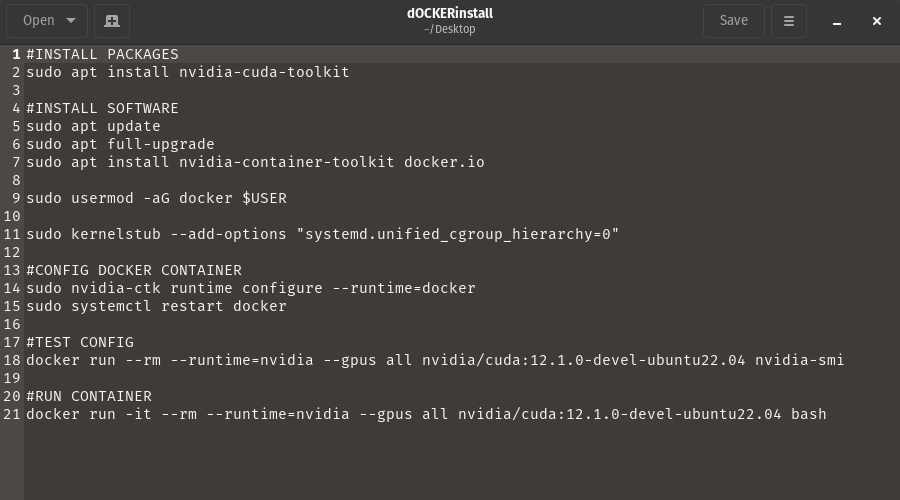
Fig. B. The code to install Docker.
With Docker installed, the terminal changes to indicate you are in a container with root permissions:
root@fa5154d6878b:/#
Typing "exit" will leave the container. This environment looks like a regular directory, but it has all the tools and libraries needed for our project, similar to a Conda environment but more robust and widely used in the industry.
As we navigate the labyrinth of technology, our Capstone project continues to evolve, each twist and turn bringing us closer and closer to our goal. With drone streaming on hold and our focus shifted to creating a robust Linux environment, the journey is far from over. Will Docker provide the stable, isolated platform we need to unleash DroneRANGER's full potential? Can Pop!_OS truly streamline our AI development dreams?
Stay tuned, dear reader, as we venture deeper into the realms of innovation. The next chapter promises more discoveries, challenges, and perhaps even the breakthrough we’ve been striving for. Until then, keep your curiosity piqued and your anticipation high—our saga is just getting started.
Warm Regards,
++Yours Truly
 Aiming for the Stars: My Aspirations in Aerospace and AI
Leave a comment